
Start with your daily routine
Before you compare POS software, write down how a normal day works. How many bills do you print in a busy hour? How many products do you stock? Who needs to see the sales figures? These answers tell you which features matter and which are only nice to have.
Check billing speed first
Billing is where customers feel the difference. Ask for a demo with your own products and test how fast a bill can be completed with a barcode scanner, a touch screen or the keyboard. A billing system that is slow at the counter will cost you sales during peak hours.
Make sure stock updates itself
A good POS system connects billing and inventory, so every sale reduces your stock automatically. Look for low-stock alerts, purchase orders and expiry tracking if you sell items with a shelf life. This is what turns a billing machine into real inventory management.
Decide between cloud and local
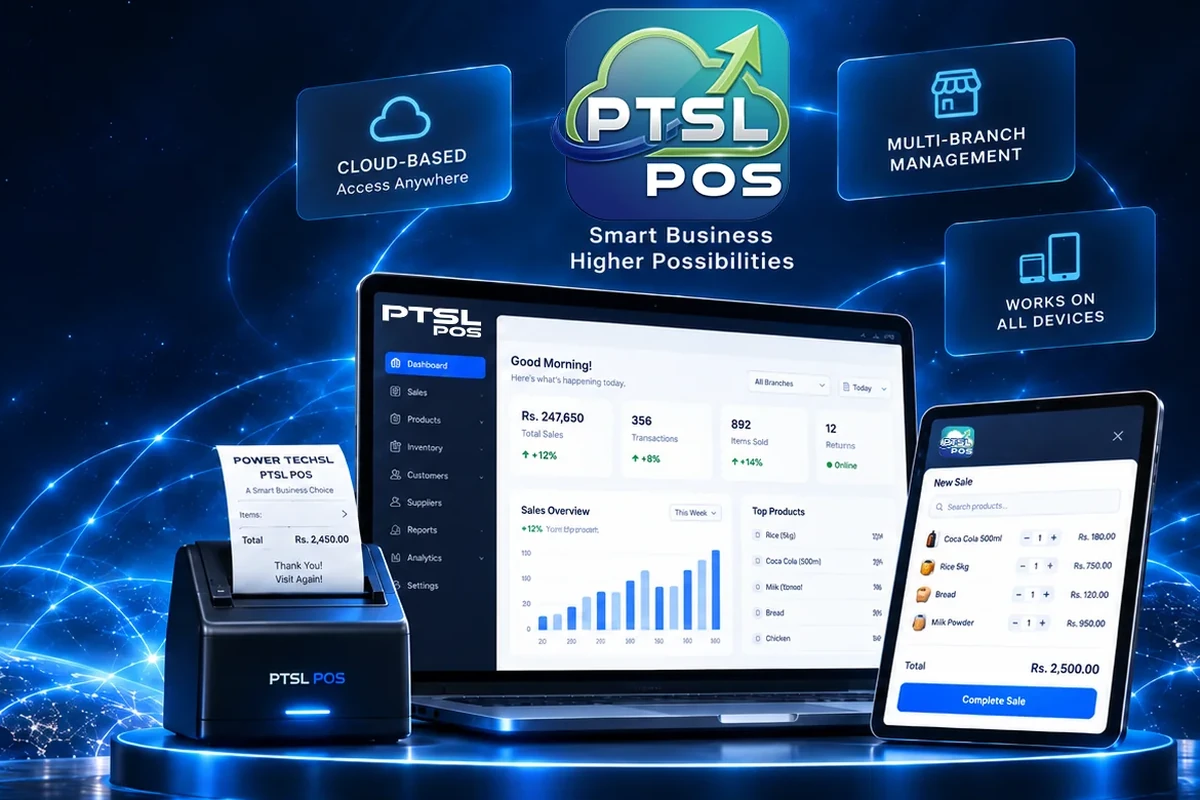
A cloud POS stores your data online, so you can check sales and stock from your phone and manage more than one branch from one place. If you are not always in the shop, or you plan to open a second branch, a cloud-based POS system is usually the better fit.
Look closely at the reports
Reports are how a POS pays for itself. You should be able to see daily, weekly and monthly sales, your best-selling products and your profit margins without building a spreadsheet. Ask to see the reports during the demo, not only the billing screen.
Ask about support and total cost
In Sri Lanka, the price of a POS system depends on the number of branches and users and on the hardware you need, such as barcode scanners and receipt printers. Ask what is included, who helps when something goes wrong and how updates are delivered, then compare the total cost and not only the first payment.